
The initial audit is the cornerstone of your e-commerce strategy. This is where you put your store under "X-ray" to identify technical bottlenecks and hidden growth opportunities.
TL;DR: Why carry out an SEO audit with Fexa AI?
- Saves time: Analysis of thousands of products in just a few minutes.
- AI Precision: Detection of semantic errors that classic tools ignore.
- AI Visibility Score: Verification of the compatibility of your products with AI results (ChatGPT, Gemini).
1. Launch your first PrestaShop scan
In the sidebar menu, click on Scan & Score. If it's your first time, click on the central "Analyze Now" button.
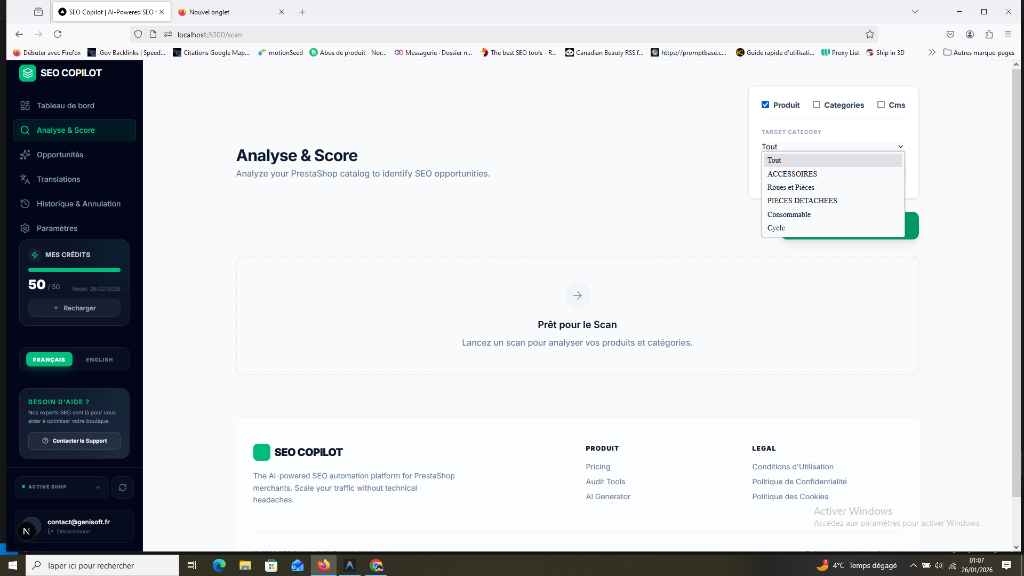
Fexa AI will automatically:
- Crawl all your active products and categories.
- Analyze your metadata (Title, Description).
- Check your image ALT tags.
- Scan your content for semantic density (H1, H2).
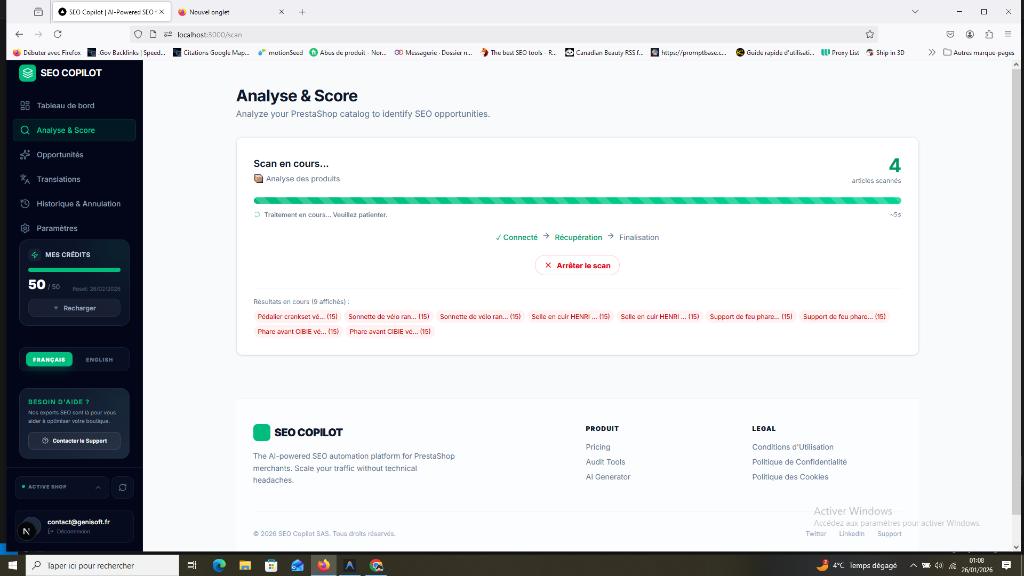
Speed: Fexa AI can scan about 1000 products in a few minutes. You can leave the page; the scan will continue on our servers.
2. Interpret your Scores (SEO vs AI Visibility)
Once the scan is at 100%, you discover two crucial marks: the SEO Score (for Google) and the AI Visibility Score (for AI results).
To understand how these scores impact your sales, consult our guide: Understanding the Dashboard and KPIs.
3. Analyze and Filter to Prioritize
The detailed table is your action plan. Don't try to correct everything at once. Prioritize:
- Priority 1: Products with Traffic (GSC) Filter products that are already making impressions but have a low score. These are your quickest wins.
- Priority 2: Critical Errors First correct missing or too short Title tags.
FAQ: Frequently Asked Questions about the Audit
How long does a full audit take? For a store with 500 products, the audit generally takes less than 3 minutes.
Can I scan only a specific category? Yes, you can filter by category before launching the scan to concentrate on a precise section of your catalog.
Does scanning slow down my PrestaShop store? No. Fexa AI uses optimized requests that do not put a strain on your store's server during your customers' navigation.
[!NOTE] CSV/PDF Exports: This functionality is planned shortly and will be reserved for Agency plan users to facilitate client reporting.
Next step: Using Focus Mode